Guide · August 14, 2026
Bank Transfer Safety Checklist for Filipinos
Practical InstaPay-style and wallet-to-bank habits for Filipinos — name match, amount checks, OTP only in official apps, and post-transfer scam follow-ups to ignore.
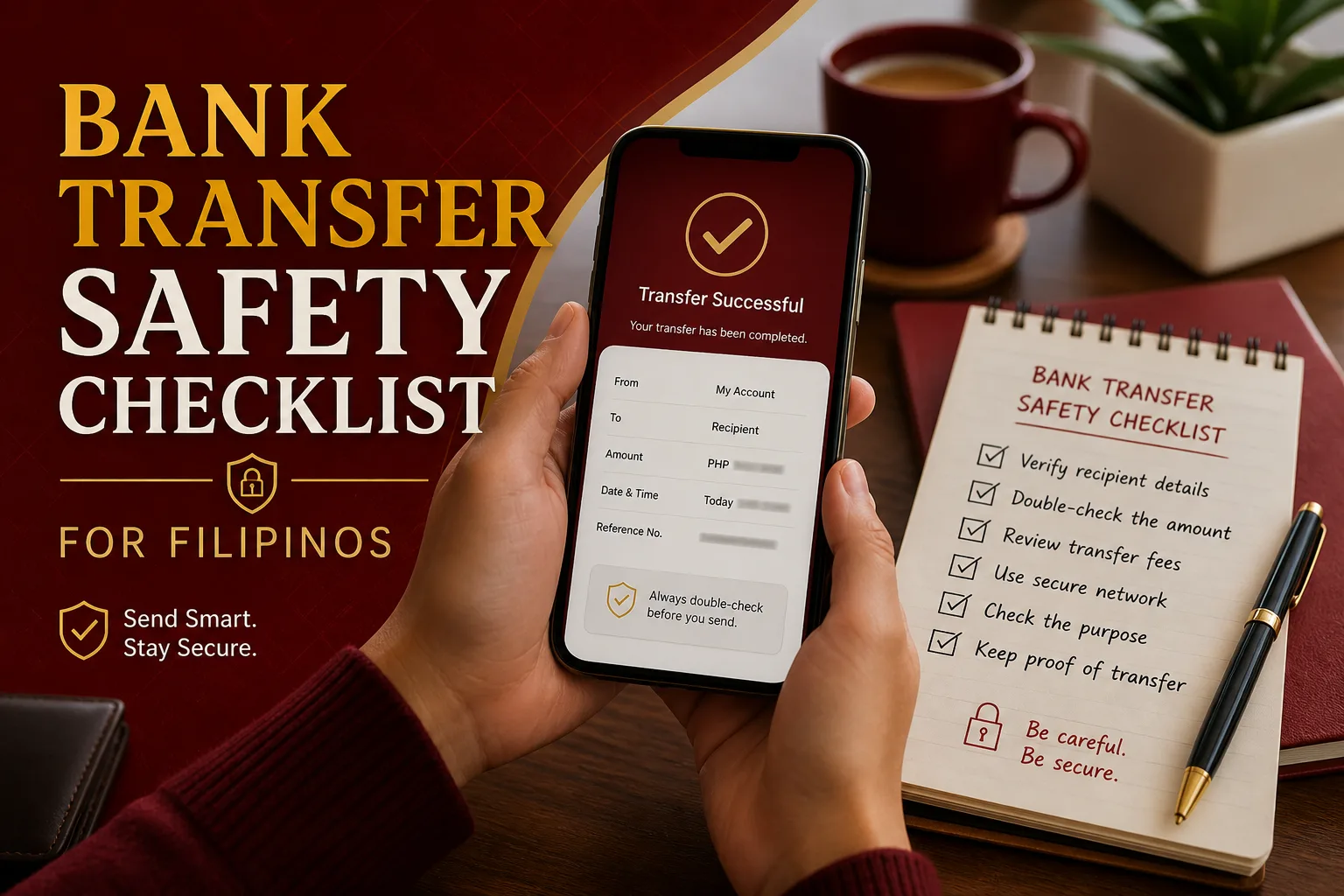
Instant transfers are convenient — and often hard to reverse once they clear. This checklist is for Filipino adults who send money through InstaPay-style bank rails, wallet-to-bank flows, or bank apps that move funds in seconds. It is about habits, not casino cashier steps, and not brand rankings.
Use it together with e-wallet basics and spotting online payment scams.
Why a checklist beats memory
When you transfer often, the brain shortcuts: same app, same thumb motion, same confidence. Mistakes cluster in three places:
- Wrong recipient (name or account number)
- Wrong amount (extra zeroes, wrong decimal habit)
- Social engineering after the send (“it failed, please resend”)
A short ritual before every non-routine transfer costs less than one expensive error.
Before you tap Send
1. Confirm the account name
Most modern flows show a recipient name after you enter an account number or wallet details. Read it.
- Does the name match the person or business you intend to pay?
- If the name is unfamiliar, stop — do not “hope it is their spouse’s account”
- For businesses, match the legal or trade name you already know from a receipt or official page
Name display is one of the strongest safety features in instant payments. Skipping it is like signing a blank check.
2. Check the account number or wallet ID slowly
Eyes skip digits when you are tired. For first-time recipients:
- Compare character by character with a source you trust (a bill, an ID shown in person, an official invoice)
- Beware of numbers sent only in chat by a new seller
- Prefer copy-paste from an official invoice over retyping from a blurry screenshot
If you must retype, read the number back to yourself once before continuing.
3. Re-read the amount
Classic errors:
- Extra zero (₱1,000 becomes ₱10,000)
- Missing zero
- Confusing cents fields on some UIs
- Sending the “total due” twice because a confirmation screen was unclear
Say the amount in words in your head: “three thousand five hundred.” Then look at the digits again.
4. Prefer verified beneficiaries for repeats
After a successful, confirmed first transfer to someone you trust:
- Save the beneficiary inside the official app if that feature exists
- Label it clearly (not “new vendor 3”)
- Still re-check amount every time; saved names do not prevent fat-finger amounts
For brand-new payees, treat the first send as higher risk even if the amount is small.
5. Ask whether you initiated this
If the transfer idea came from a stranger’s urgency — fake support, investment coach, marketplace rush — pause and open the scam checklist before you continue.
During authentication
OTP and PINs stay in the official app
- Enter OTPs only inside the official banking or wallet app (or the official site you typed yourself)
- Never read an OTP aloud on a call
- Never type an OTP into a website that arrived as a surprise SMS link
- Never share a banking PIN, app PIN, or full card details in chat
Mid-transfer “security app” installs
If a page or caller asks you to install a second app, grant accessibility access, or share your screen to “complete verification,” cancel the transfer. That pattern belongs to account takeover, not normal InstaPay confirmation.
Biometrics and device prompts
Covered institutions have been pushed by BSP policy toward stronger authentication for high-risk actions — including moves away from relying on SMS OTP alone for certain flows (see public discussion of Circular 1213 and the mid-2026 compliance window). You may see more biometric or device-bound prompts. That is usually a feature, not a bug.
Still: approve only what you intended. If a biometric prompt appears for a transfer you did not start, deny it and review recent activity.
Helpful starting points for official context: Bangko Sentral ng Pilipinas consumer and regulatory pages, plus your bank or wallet’s own help center.
After the transfer
Save the reference number
Screenshot or copy the transaction reference. You will need it if:
- The recipient claims non-receipt
- You contact official support
- You file a report after fraud
Message the recipient on a channel you already use
Tell them you sent money and share the reference. Prefer a thread that existed before the payment — not a brand-new number that appeared only for “collection.”
Watch for failure theater
A common follow-up script:
- You send money
- Someone claims the transfer “failed” or went to the wrong place
- They ask you to send again, or to send a “correction” amount
- Later you discover the first transfer succeeded
Default response: do not resend. Check your app’s transaction history. If it shows success, send the reference. If it shows failure or pending, use official in-app status — not the counterparty’s panic.
Unexpected “refund” requests
If someone says they overpaid you and demands an immediate return to a different account, slow down. Unexpected credits and refund theater are covered in the scam guide. Confirm with your provider before moving funds back on chat instructions.
Wallet-to-bank and bank-to-wallet specifics
Many Filipinos hop between wallets and deposit accounts in the same afternoon. Extra habits:
- Confirm whether you selected the correct rail and destination type (wallet vs bank)
- Check fees and limits shown on the confirmation screen
- Remember that “instant” still sometimes queues; pending is not always failed
- Keep balances you cannot afford to lose behind app lock — see e-wallet basics
Do not let a seller dictate an unsafe sequence (“send to this personal account first, then we upgrade you”). Legitimate businesses can usually accept clearer, documented payment paths.
A printable mental checklist
Before
- [ ] I initiated this payment
- [ ] Recipient name matches intent
- [ ] Account / wallet ID verified
- [ ] Amount re-read
- [ ] I am not being timed by a stranger
During
- [ ] Official app only
- [ ] OTP / biometrics not shared with anyone
- [ ] No surprise app installs
After
- [ ] Reference saved
- [ ] Recipient notified on a known channel
- [ ] No blind resend after a “failure” claim
- [ ] History checked if anything feels odd
When something already went wrong
- Capture screenshots and references
- Freeze or lock accounts through official channels if compromise is possible
- Contact the bank or wallet via in-app help immediately
- Consider formal reporting through published pathways such as CICC, PNP, or NBI when fraud or identity theft is involved — using official sites, not chat-pasted hotlines
Pair account hygiene with protecting personal data online.
Habits for recurring payments
For rent, tuition, or supplier payments you repeat monthly:
- Use saved beneficiaries carefully
- Calendar the due date so you are not paying in a midnight panic
- Confirm any “new account because old one is closed” story through a second channel (call a known number, check an official notice)
- Beware of invoice PDF attachments from new emails that only change the destination account
Routine money still deserves the name-and-amount ritual.
Shared households and helper sends
Family members often send money on behalf of parents or relatives. Extra clarity helps:
- Agree in advance who owns the destination account for rent or tuition
- When helping an older relative, sit with them while they confirm the name on screen — do not rush their biometrics
- Do not ask someone to dictate an OTP over the phone “so you can finish it for them” unless you are physically together and using the official app on their device with their consent
- Keep a written note of recurring account numbers in a secure place at home, not in a public group chat
Helping is good. Shortcuts that expose OTPs are not.
What this guide is not
- Not a ranking of banks or wallets
- Not a deposit or withdrawal tutorial for gambling
- Not legal advice
- Not a promise that every transfer is reversible
Instant payments reward careful humans. The checklist exists so care becomes automatic.
Related reading
Editorial note
FB777 Guide does not process transfers or recover funds. Always follow your bank or e-wallet provider’s official dispute process. This article is digital payment literacy for everyday Filipino use — calm checks before, during, and after you tap Send.