Guide · August 2, 2026
Choosing Trusted Apps and Websites
A practical pre-signup checklist for Filipino users — publisher identity, store channel, reviews, permissions, payment clarity, and when to walk away.
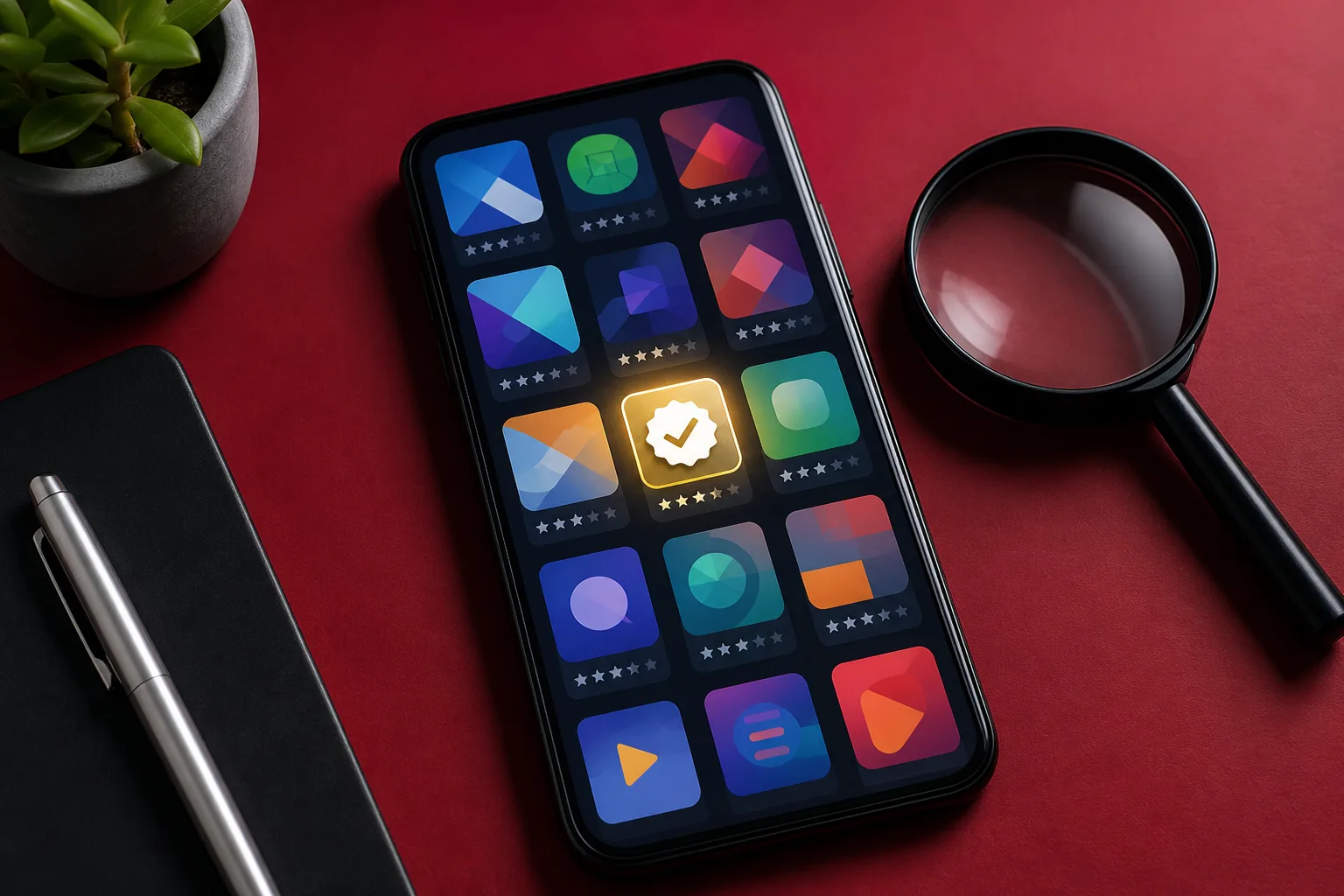
Before you create an account, grant permissions, or enter a card or e-wallet, run a short trust check. The habit applies to entertainment apps, shopping sites, utility tools, fan platforms, and “helpful” APKs shared in group chats. Most regret happens in the five minutes before signup — when urgency is high and scrutiny is low.
This guide is a pre-signup checklist: who publishes the product, where you got it, what reviews actually say, which permissions it wants, how money works, and whether you can leave later. For evaluating entertainment products specifically, continue with digital entertainment literacy. For passwords, 2FA, and phishing after you do sign up, use protecting personal data online.
Why a checklist beats gut feel
Modern fake apps look finished. They have icons, splash screens, and sometimes stolen screenshots from real products. Gut feel used to work when scams were ugly. Today you need process.
A checklist also helps in Filipino households where several people share advice in chat. Instead of arguing “parang legit,” you can ask: Where is the publisher? What store listing? What permission? What exit path?
1) Publisher identity
Ask who is responsible when something goes wrong.
Look for:
- A real company or developer name — not only a nickname
- Consistent branding across website, store listing, and social accounts
- Contact details that are not only a random Gmail in a bio
- A privacy policy and terms you can actually open and read
Be cautious when:
- The “company” name changes between the website and the installer
- There is no physical or corporate footprint for a product that asks for money or IDs
- Social proof is only a newly created page with stock photos
You do not need a giant multinational. You do need a coherent identity. If the publisher cannot stand behind a name, do not stand behind a payment.
2) Distribution channel
How you install matters as much as what you install.
Prefer:
- Google Play, Apple App Store, or the publisher’s official site
- Links that come from the organization’s verified account or known domain
- Enterprise or school apps delivered through official IT instructions
Avoid as a default:
- Random APK mirrors “because the store version is laggy”
- Telegram files with no checksum or publisher signature explanation
- Browser popups that download an installer you did not request
- Sideloading flows that require disabling Play Protect or unknown-source protections permanently
Sideloading is sometimes legitimate for developers or specialized tools. For everyday entertainment and finance-adjacent apps, it is one of the fastest ways malware enters a phone. If a stream, game, or coupon app only works after you weaken system security, that is a signal — not a challenge.
3) Reviews with detail
Star counts are marketing. Review text is evidence.
Read recent reviews and ask:
- Do people describe specific features, bugs, or customer-service outcomes?
- Are complaints about charges, locked accounts, or phishing replies after install?
- Do five-star reviews sound copy-pasted or posted in the same week the app launched?
- Is there a pattern of “updated and now it wants weird permissions”?
One angry review is not decisive. A cluster of similar fraud reports is. Also check outside the store: search the app name with words like “scam,” “OTP,” or “unauthorized charge.” You are not looking for perfection. You are looking for silence where there should be a normal mix of praise and bugs — or a loud pattern of theft.
4) Permissions vs. purpose
Match access to function.
Examples of reasonable matches:
- Maps need location while navigating
- Video chat needs camera and mic during a call
- A bank app may need some device security checks
Examples of mismatches:
- A simple puzzle game demanding contacts and SMS
- A wallpaper app requesting accessibility control
- A “cleaner” tool asking to become device administrator
- A fan streamer app needing call logs
If the justification is vague (“to improve experience”), translate it as “to collect more.” Deny optional permissions and see whether the app still works. Many do. More permission hygiene sits in protecting personal data online.
5) Payment clarity before checkout
Trusted products explain money before they take it.
You should know:
- What you are buying (subscription, one-time unlock, load, merchandise)
- The price in pesos (or clear FX terms)
- Billing frequency and cancellation path
- Whether a free trial converts automatically
- Who the charge will appear as on your statement or wallet history
Walk-away signals:
- Price revealed only after you create an account and enter a card
- Pressure countdowns on every screen
- Requests for cryptocurrency “verification fees”
- Support that refuses to state refund or cancellation policy in writing
- Checkout pages whose domain does not match the brand you thought you were paying
Payment clarity is part of leisure literacy too. If an entertainment app hides renewals, treat it as a product design smell, not a personal failing when the charge later surprises you. Responsible online leisure covers budgets once you decide a purchase is legitimate.
6) Exit path: logout, export, delete
Signup is easy. Exit should not require a treasure hunt.
Before you invest time or money, check:
- Can you log out on shared devices?
- Is there account deletion or at least a documented request path?
- Can you cancel subscriptions from the same store or billing channel you used?
- Is there a way to export or remove stored data if the service holds documents or chat history?
Products that make entry frictionless and exit obscure often rely on inertia. You are allowed to prefer services that respect both doors.
Special cases Filipinos hit often
“Required” apps from chats and workplaces
Group chats forward APKs for event check-in, campus voting, or “HR forms.” Verify with the institution on a known channel before installing. Real organizations can usually point you to an official store listing or web form.
Sports and finals spikes
During PBA finals, UAAP weeks, or major esports grands, fake ticket and stream apps multiply. Follow the same channel rule: official league or team source first. Context for safer viewing habits is in following Philippine sports online.
Entertainment clones
Clone apps copy names of popular games or streaming brands. Compare publisher names carefully. Literacy questions for entertainment — who publishes, how they monetize, whether you can leave — are expanded in digital entertainment literacy.
Website checks when there is no app
Many services are browser-only. Apply the same discipline:
- Prefer
httpsand a domain that matches the brand’s known address. - Be wary of lookalike domains that swap letters, add extra words, or use odd endings for a local brand.
- Do not grant camera or mic access to a random tab without a clear reason.
- Distrust full-screen browser prompts that imitate system warnings.
- If a bookmark lands on an unfamiliar login theme, type the known address manually.
Updates, clones, and name collisions
An app that was safe last year can become risky after an ownership change — or after scammers release a near-identical clone.
- Recheck the publisher name before updates that suddenly request new permissions.
- Prefer official-page links over search-ad installers when names are generic.
- Remove lookalike duplicates if you installed the wrong one.
- After a suspicious update, change passwords for accounts opened inside that app.
When to walk away immediately
Leave without negotiating with yourself when:
- The site only works if you disable security tools
- It demands cryptocurrency or gift cards for “verification”
- It refuses to show basic company details while asking for IDs or selfies
- It requires remote-control access to “help you fix” an account
- It asks for OTPs, full passwords, or screenshots of your banking app
- Reviews or search results show repeated theft reports with matching details
- The installer path is a maze of redirects through unrelated domains
Walking away is not lost opportunity. It is how you keep the next month’s budget and identity intact.
A five-minute pre-signup routine
- Identify the publisher and open their primary site or store page directly.
- Confirm you are installing from an official channel, not a forwarded file.
- Skim recent detailed reviews and a quick web search for scam reports.
- Check permissions and deny anything that does not match the purpose.
- Read price, renewal, and cancellation text before entering payment.
- Locate logout/delete/cancel paths — or decide the missing exit is disqualifying.
If any step fails hard, stop. There will always be another app.
After you sign up
Trust checks do not end at install:
- Use a unique password and enable 2FA on accounts that matter
- Keep a separate email for low-stakes entertainment signups if you prefer
- Revisit permissions after the first update
- Cancel trials on the calendar before they convert
Those habits close the loop between choosing carefully and staying safer later.
Choosing trusted apps and websites is not about distrusting technology. It is about refusing products that need your fear, haste, or weakened security to survive. Use the checklist, keep entertainment and utility installs boringly official, and spend your attention on the games, shows, tools, and communities that earned it.